


How to Sign In
Step 1: Navigate to the Sign in Page
Begin by clicking on the 'Sign In' button located at the top right corner of the screen or click or Sign in. This will direct you to the login portal where you can enter your credentials.
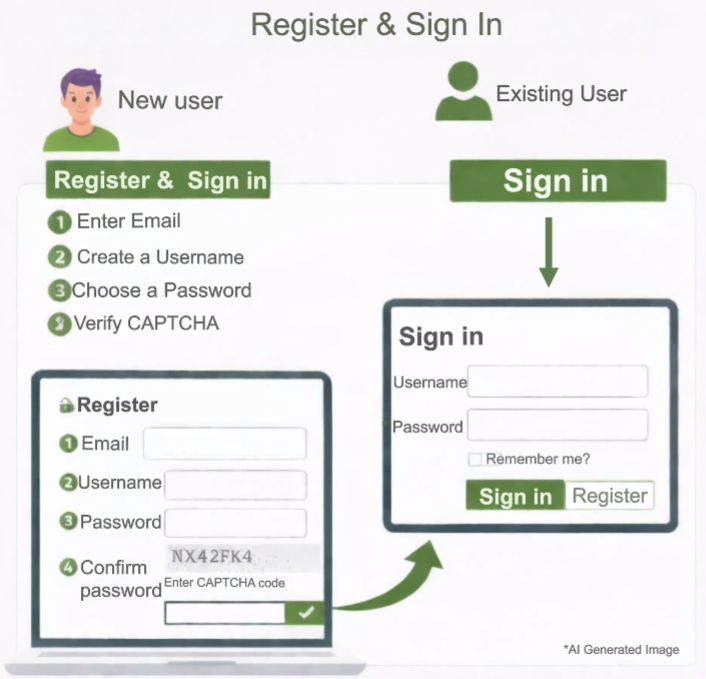
For already Registered User or John Deere User
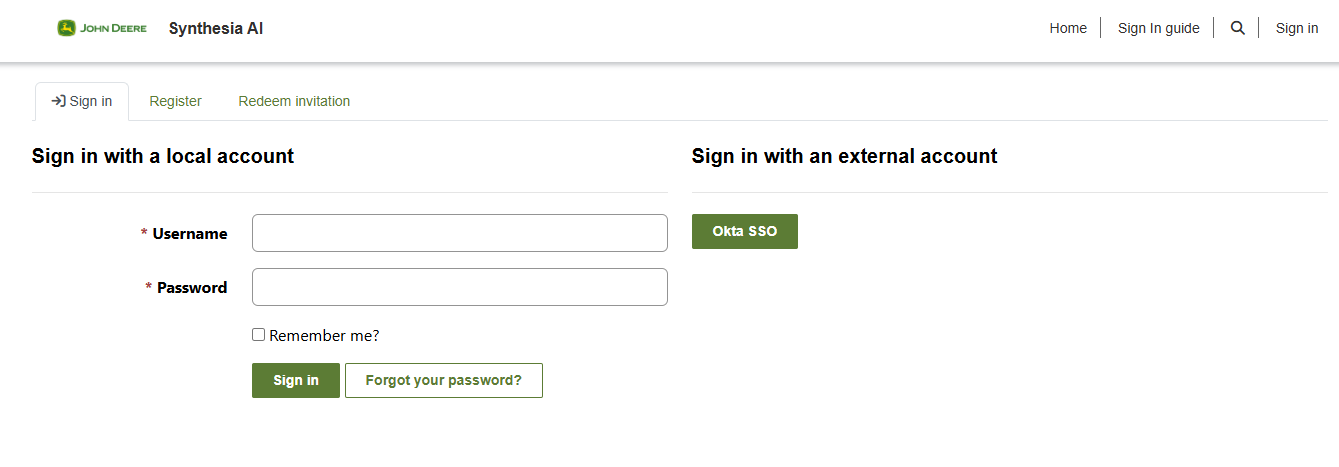
Input your registered email address and password carefully. Make sure your password is entered correctly to avoid login errors. If you have forgotten your password, use the "Forgot Password" link to reset it.
Sign in with OKTA SSO - Use this option if you are a John Deere internal user with a valid RACF ID.
After Signing in, go to the Home page from the top‑right corner and proceed with the license request.
Step 2: New User - Register yourself
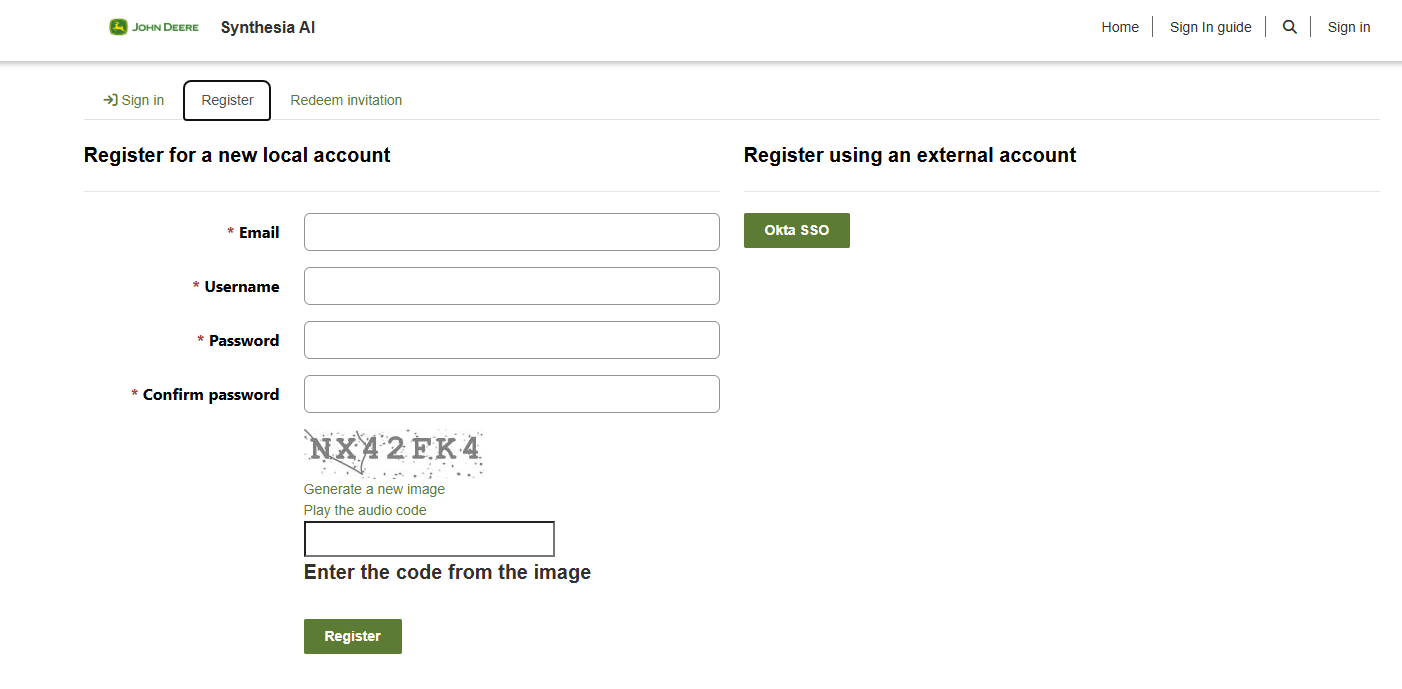
- New users must register themselves before accessing portal.
- Enter your email address (the one linked to Synthesia), username and create a password.
- Complete the required registration details.
- Submit the Registration Form.
- Verify your email address. (if prompted)
Once registration is successful, sign in using your email and password. After Signing in, go to the Home page from the top‑right corner and proceed with the license request.
Need Help?
Reach out to SynthesiaSupport@JohnDeere.com for assistance with your sign-in process or any other issue.